Guide
Add us to your Google Business Profile
This lets us look after your profile for you. It takes about a minute on your phone, and you stay the owner the whole time.
Sign in to Google
Sign in with the Google account that owns your Business Profile. It's usually the email address you used when you set the profile up. You can use the Google app, or google.com in your phone's browser.
Search for your business
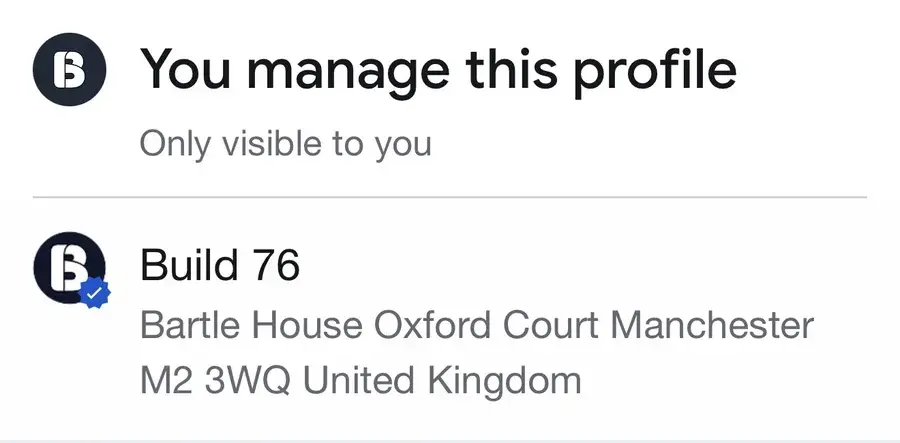
Search Google for your business name. You'll see a panel saying You manage this profile, with your business underneath. Tap your business.
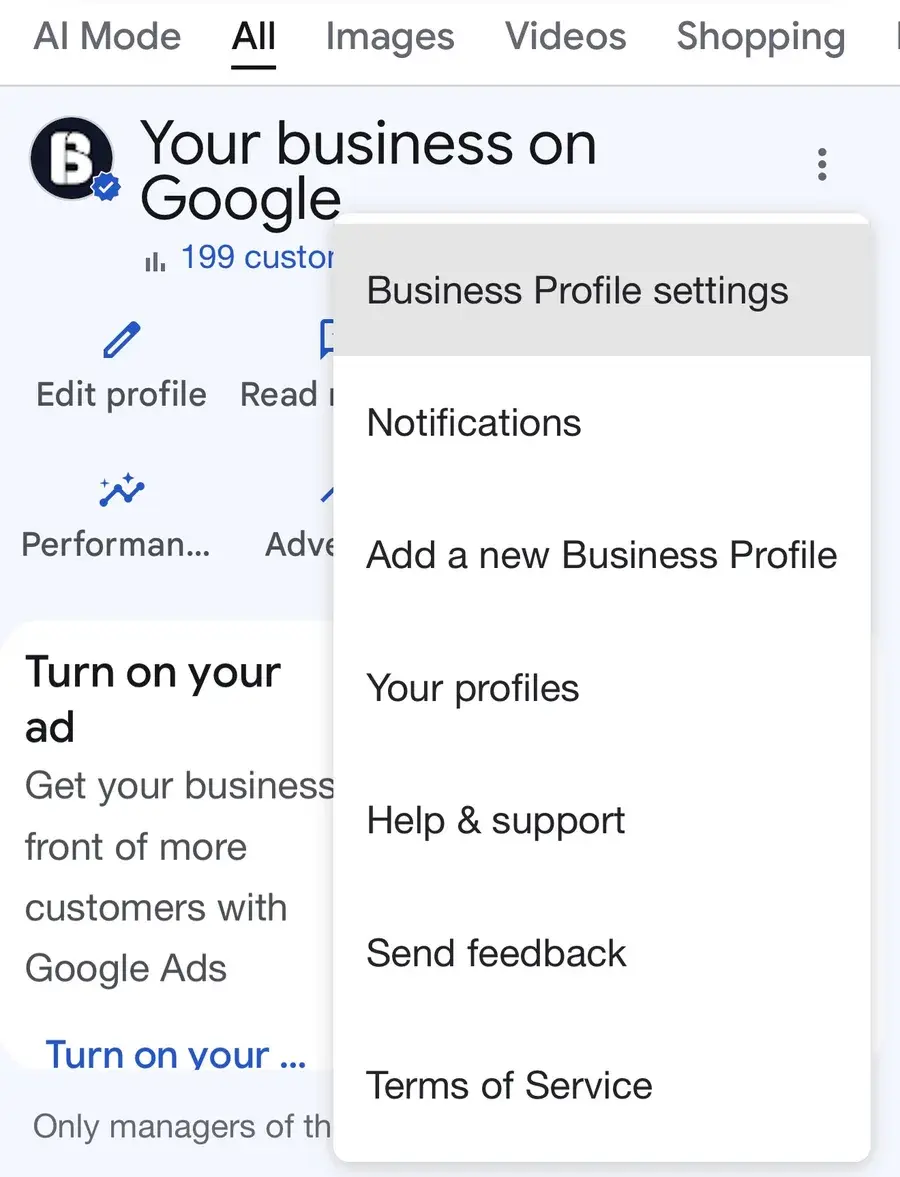
Open Business Profile settings
Tap the three dots (⋮) at the top right of Your business on Google, then tap Business Profile settings.
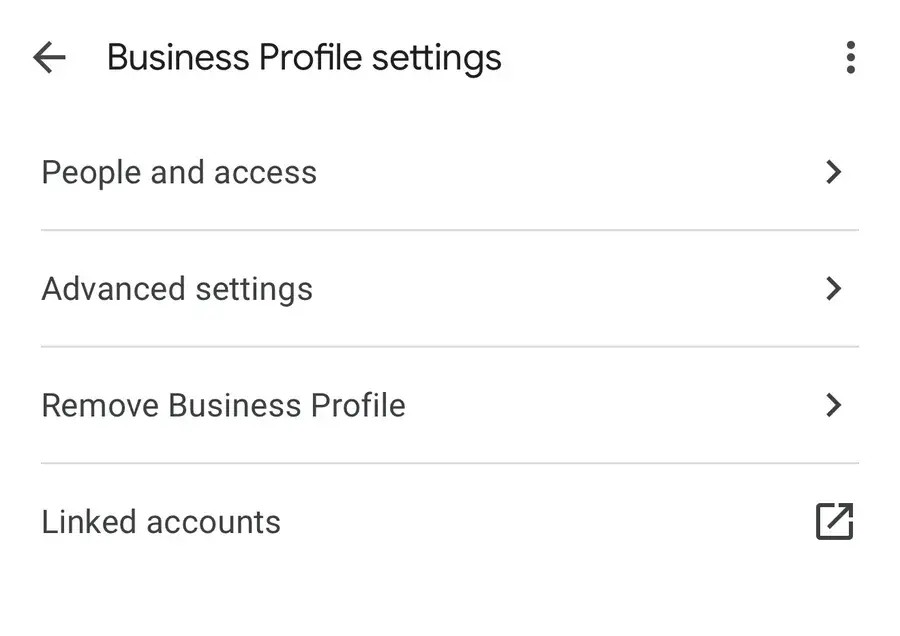
Tap People and access
It's the first option in the list.
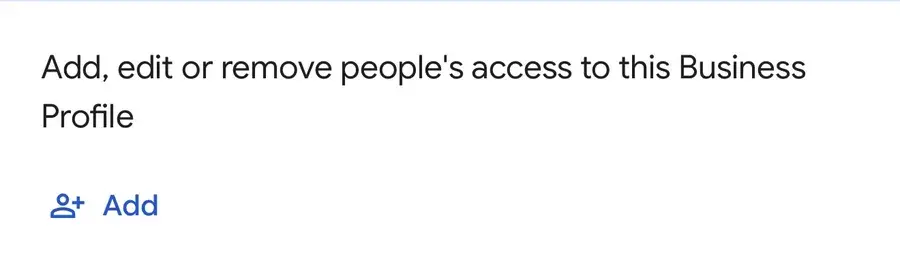
Tap Add
You'll see everyone who can manage your profile, and an Add button.
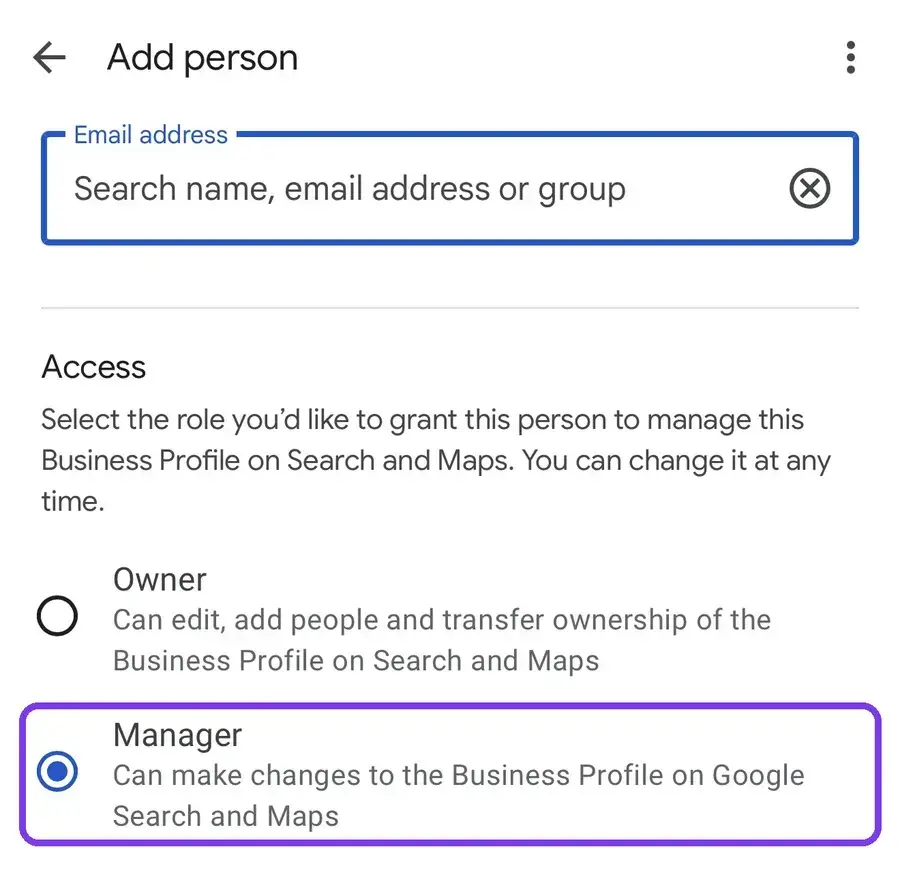
Add us as a manager
Type build76ltd@gmail.com in the email address box, choose Manager, then tap Invite.
That's it
Let us know once you've sent the invite and we'll accept it straight away. You can remove us from the same screen at any time.
Stuck on a step? Call or WhatsApp us on 0161 399 5694 and we'll talk you through it.